MCUtility – User Guide

Overview

Welcome to MCUtility – your integrated SMS utility solution for HubSpot.
Key Features

Getting Started

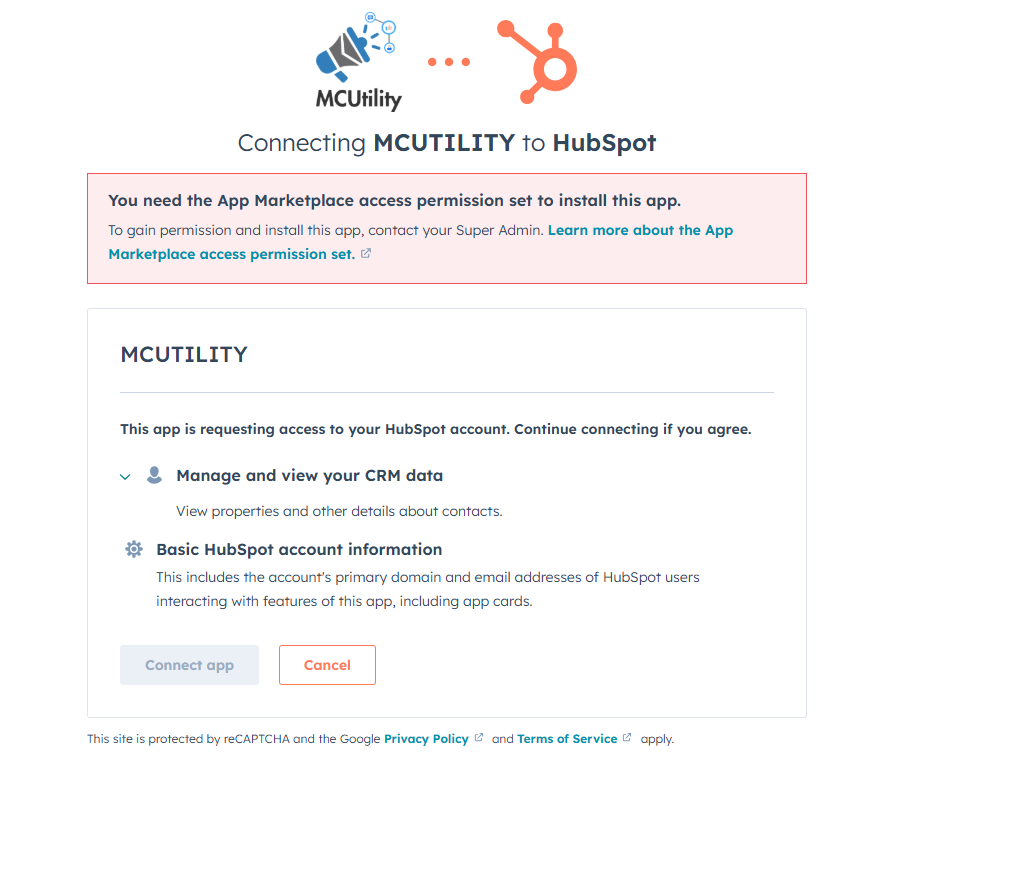
  1. Search for “SMS Utility” in HubSpot Marketplace and install.
  2. Install app from HubSpot Marketplace
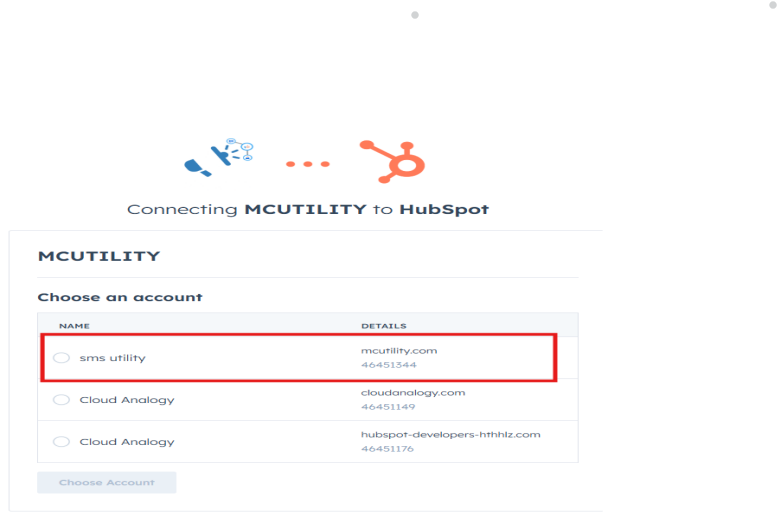
  3. Select your HubSpot account and authorize scopes.
  4. Authorize HubSpot scopes
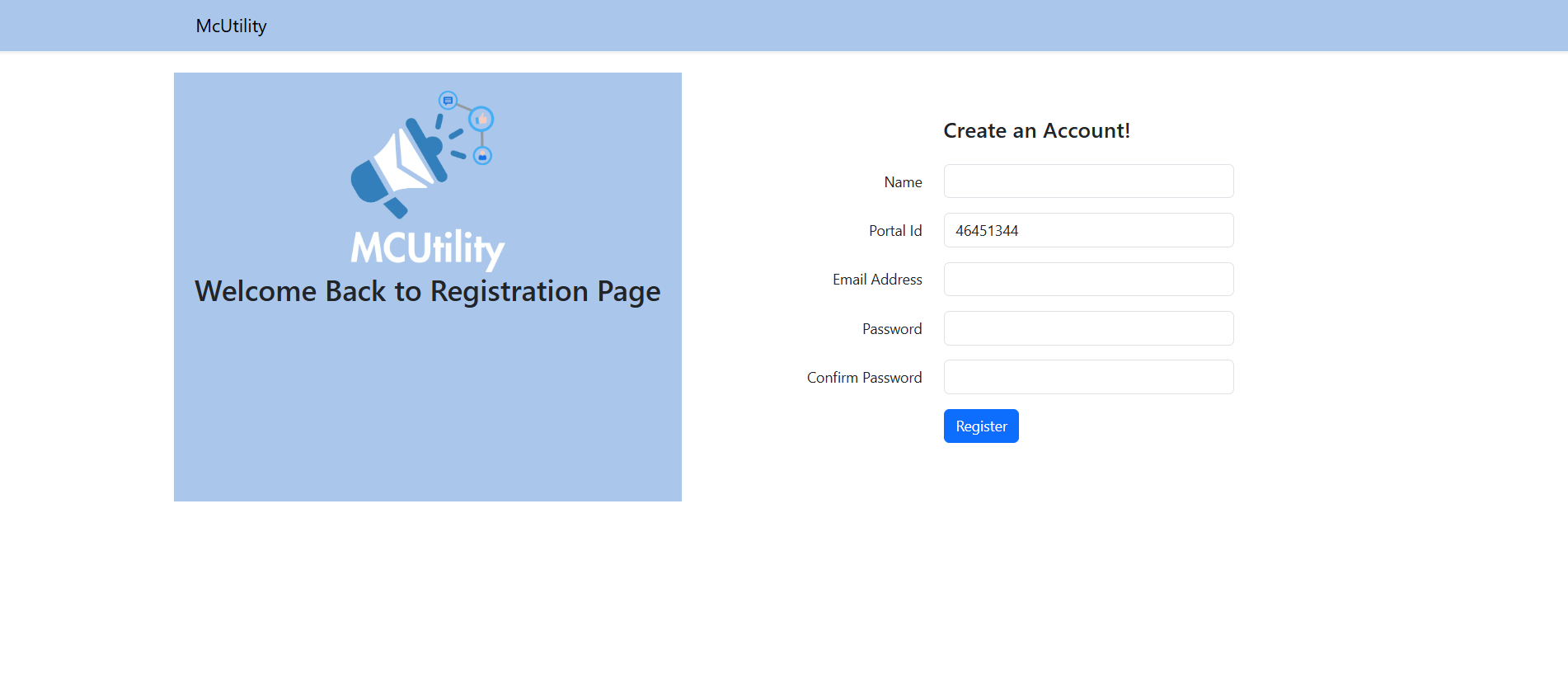
  5. After OAuth, you’ll be redirected to MCUtility registration.
  6. MCUtility registration screen
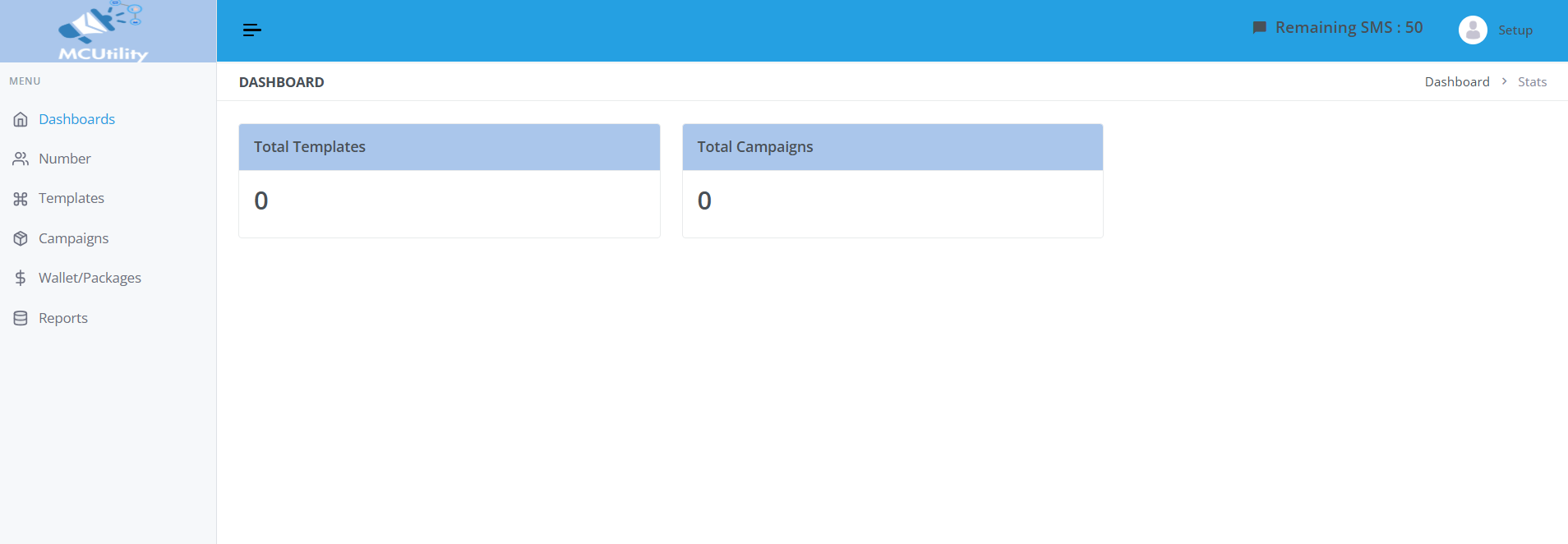
  7. Upon registration, you’ll see the MCUtility dashboard.
  8. MCUtility Dashboard

Real-Time Contact Sync

Any contact created in HubSpot will auto-sync to MCUtility.
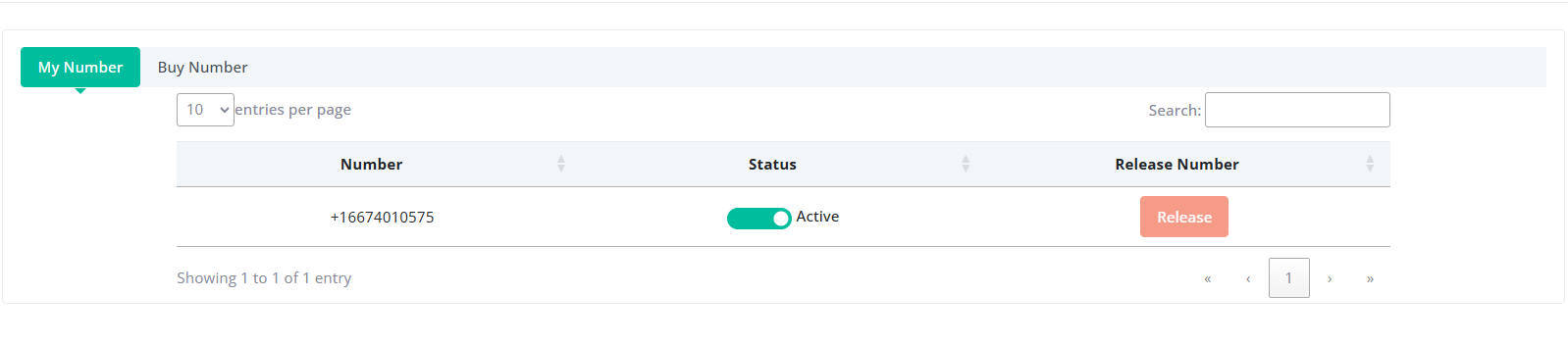
SMS Number Setup

SMS number setup

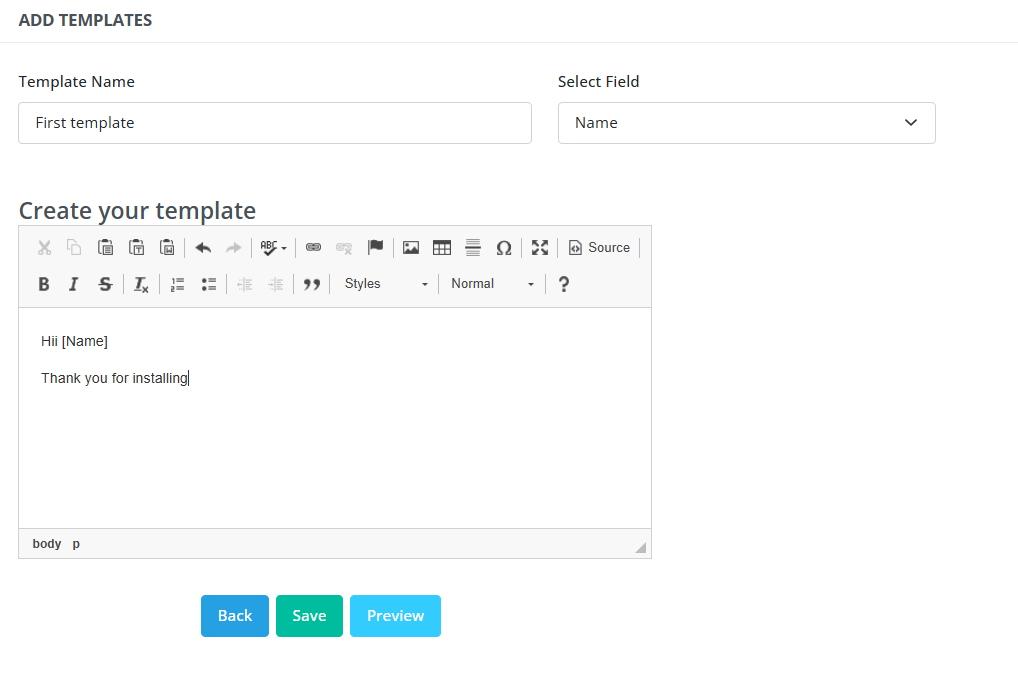
Template Management

Template creation screen

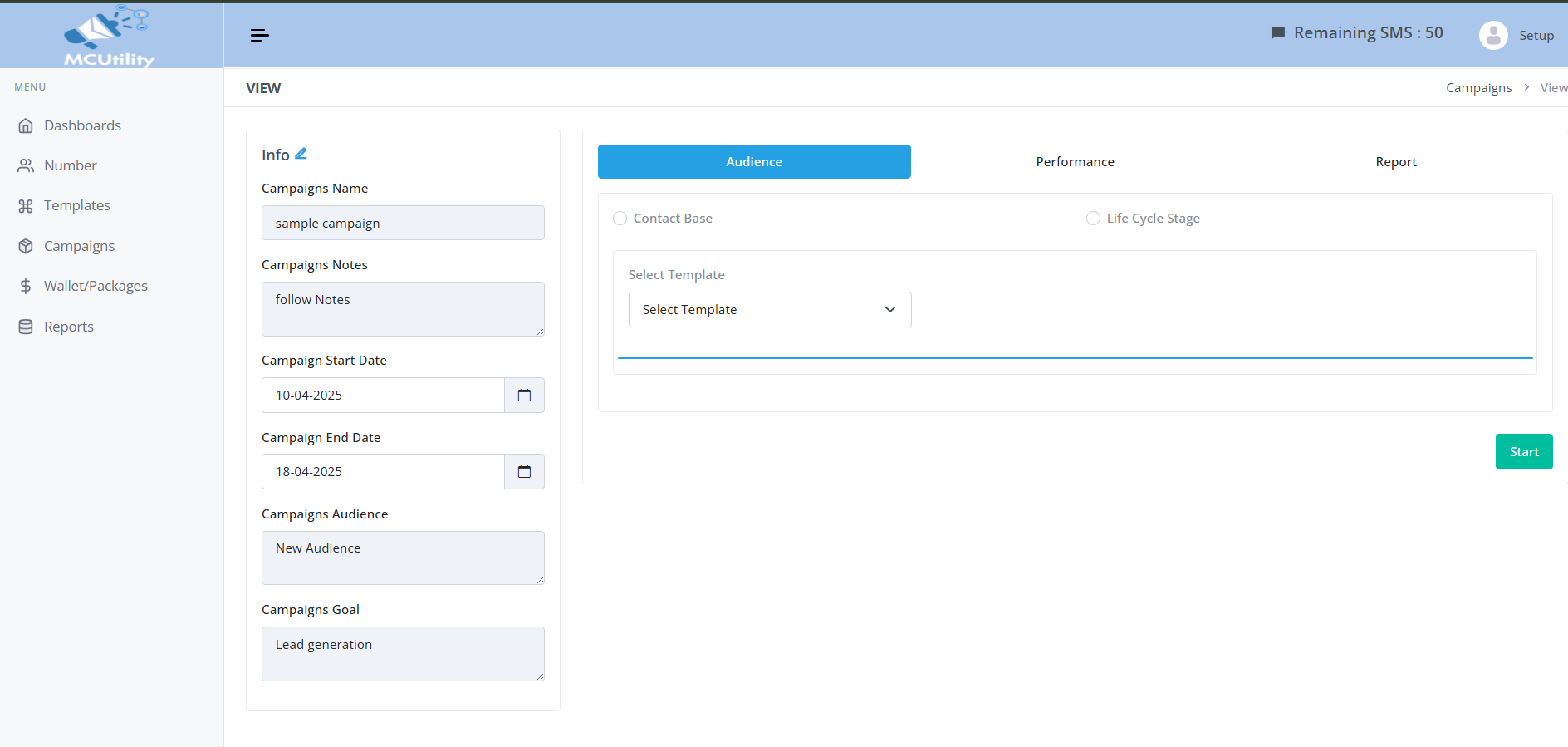
Launch a Campaign

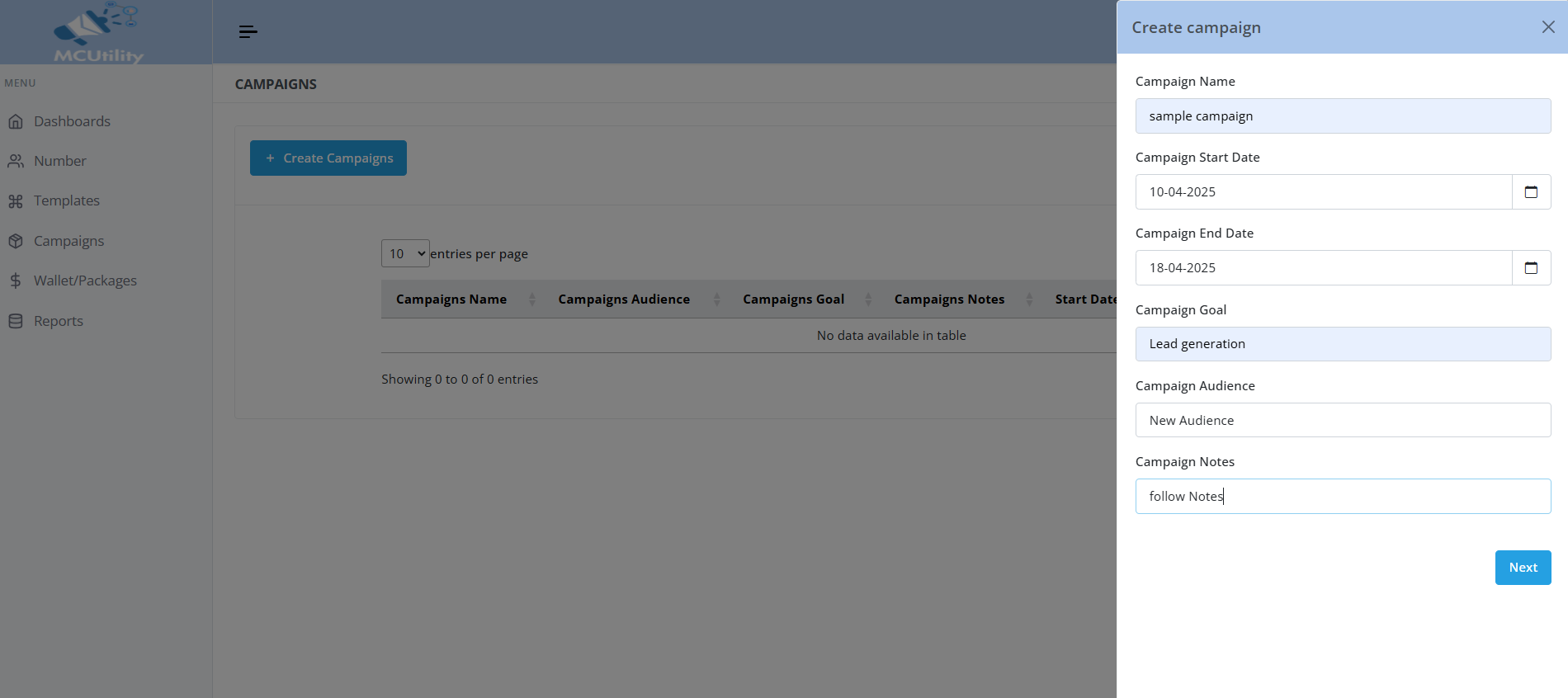
  1. Click “Campaigns” in sidebar & click "Create Campaign".
  2. Use filters: Contact-Based or Lifecycle Stage.
  3. Select contacts and message template.
  4. Click "Start Campaign".
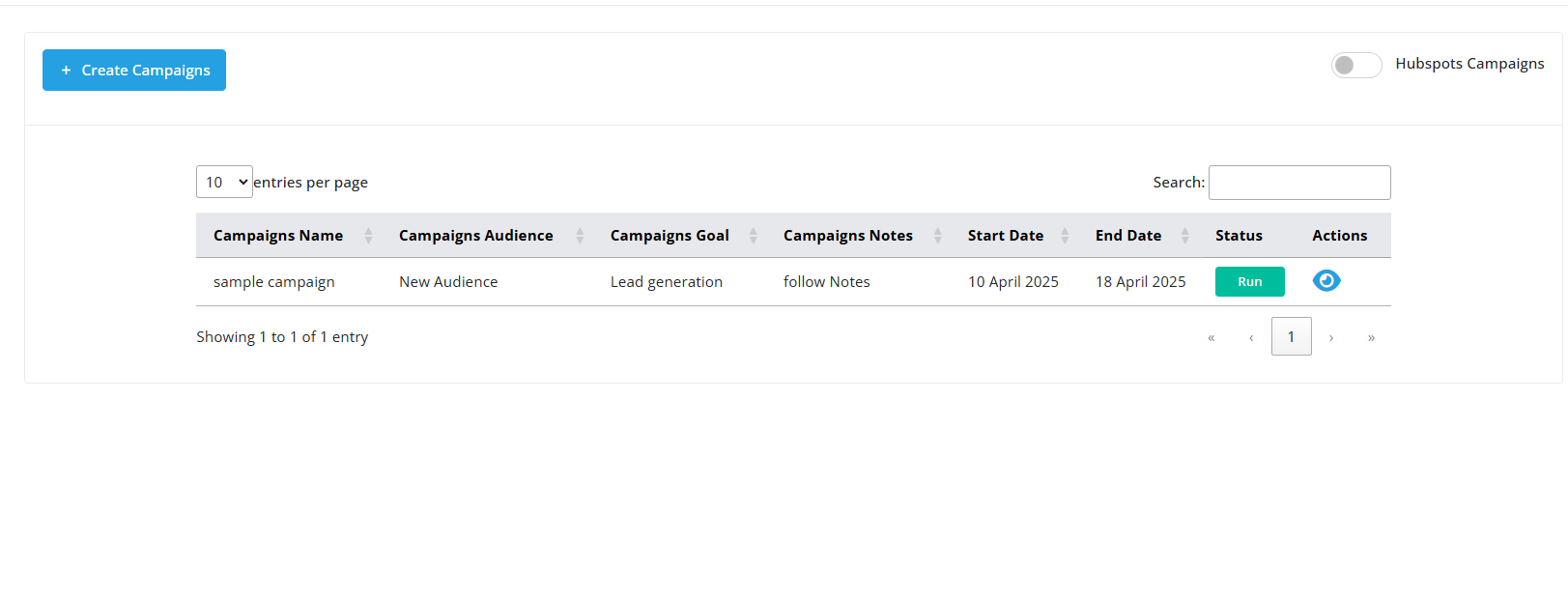
  5. View campaigns, analytics, reports.
Campaign popup View campaigns Campaign reports

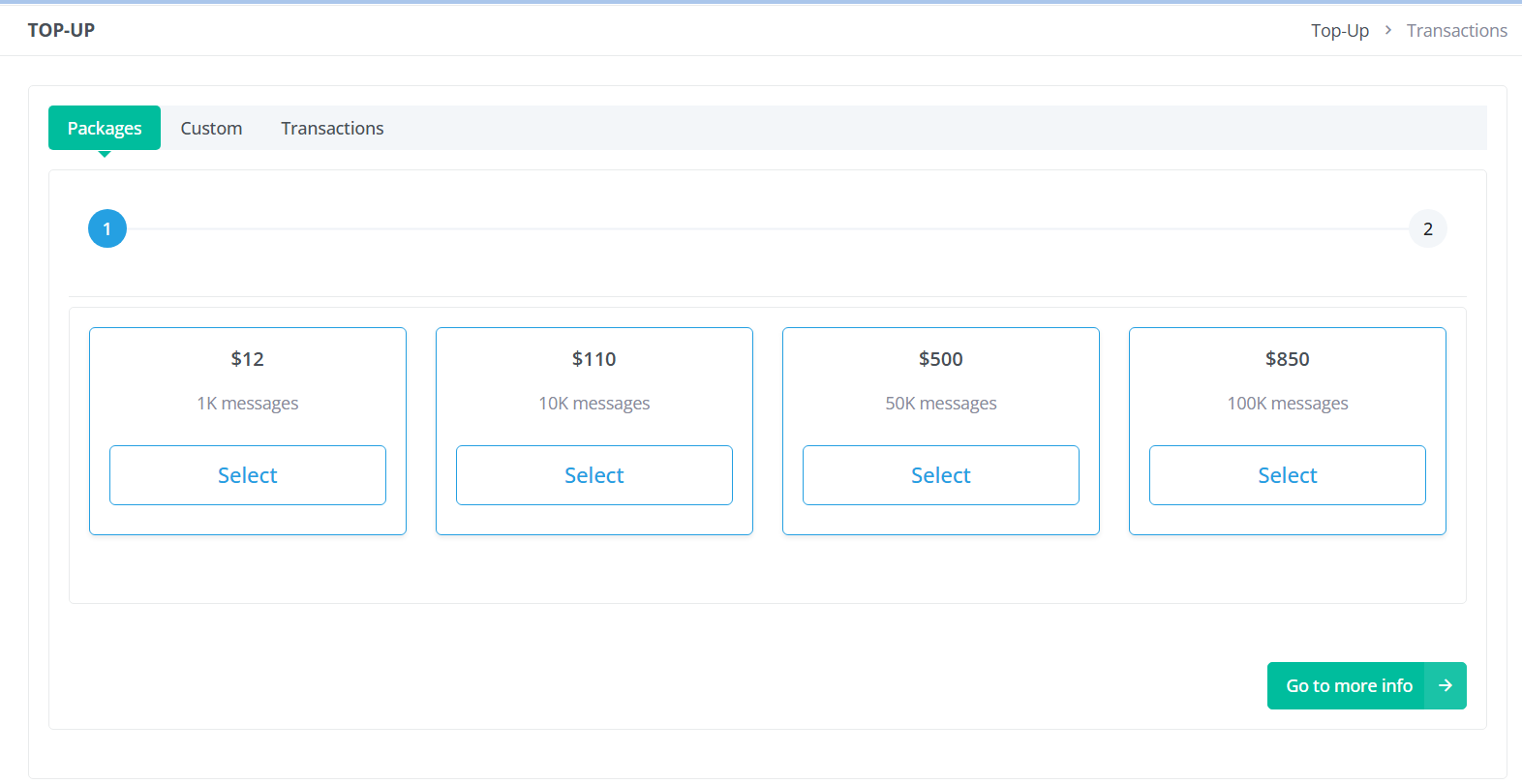
Manage Wallet & Packages

Wallet and Package Management

Message Reports

Only available for purchased numbers. Includes delivery reports, engagement metrics, etc.
Message Reports

Gaps Solved by MCUtility

HubSpot Gap MCUtility Solution
No SMS support Real-time SMS sending + campaigns
Manual contact sync Automatic contact sync
No campaign tracking Full analytics & performance insights
No SMS personalization Dynamic templates with variable fields
No billing integration Built-in wallet and billing system

Customer Value Summary